
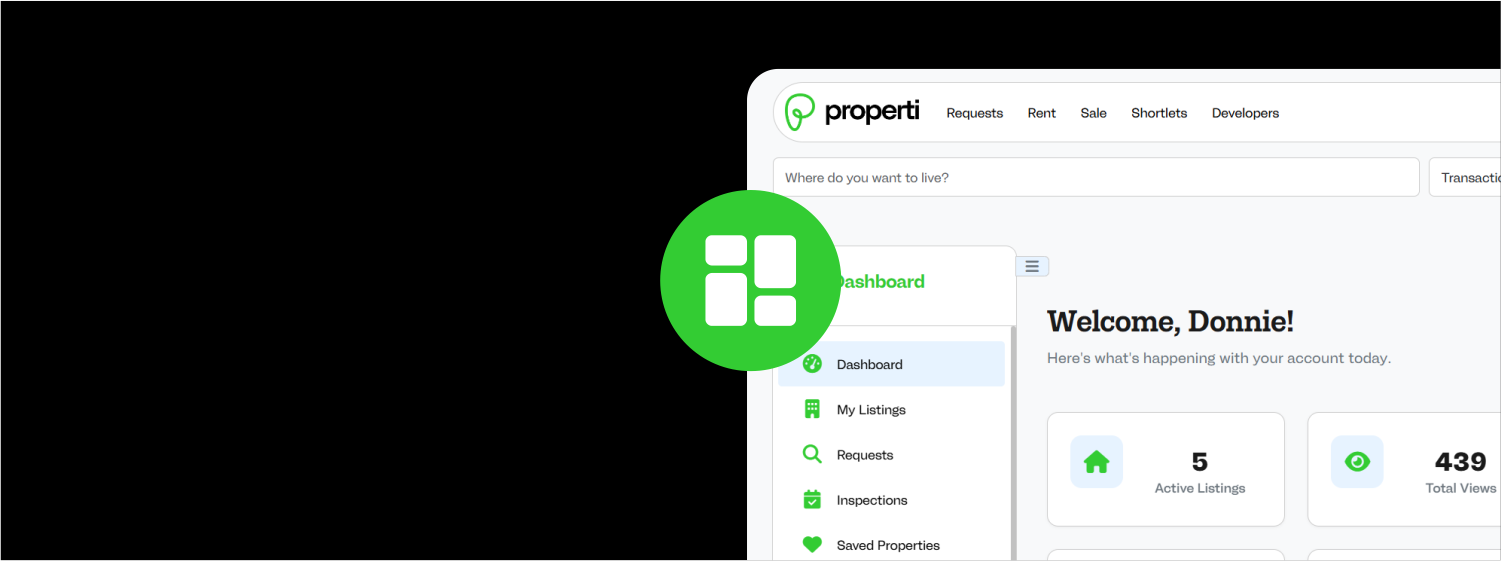
Your Dashboard is the mission control center of your Properti Nigeria experience. While specific tabs vary slightly by account type, the core structure provides easy access to all your activities.
Dashboard Overview
-
Dashboard/Overview: This is your home screen. For vendors, it provides a snapshot of key metrics: active listings, new inspection requests, and performance analytics. For seekers, it highlights your active requests, upcoming inspections, and new offers received.
-
Profile: This is where you build your credibility. Upload a picture, complete your contact details, and for vendors, undergo identity or company verification. A verified badge builds trust. A progress bar shows how complete your profile is.
-
Inspections: This is a critical tab for managing property viewings. It’s divided into three sub-tabs:
-
New Requests: (For Vendors) See inspection requests from seekers who accepted your offer. You can Accept, Decline, or Reschedule.
-
Pending: View all upcoming inspections, with details like property address, date, time, and the other party’s name. You can reschedule, cancel, or contact them here.
-
Completed: History of past inspections. Here, you can rate your experience with the other user after the inspection is over.
-
-
Property Listings (Vendors Only): This is where Agents, Owners, and Companies manage their listed properties. View them by status: Available, Sold, Rented, or Draft. Edit, unpublish, or change the status of your listings here.
-
Requests: View all the requests you have posted. Click “View Offers” to see all proposals from vendors, sorted by match percentage. You can also delete old requests here.
-
Saved Search & Saved Properties: Your personal curation space. “Saved Search” keeps your frequent search filters for one-click reuse. “Saved Properties” is a list of listings you’ve bookmarked, which you can filter by status (Available, Sold, etc.).
-
Analytics: Get insights into your activity. Vendors see listing performance (views, saves). Seekers see request and offer activity. Paid plans offer more advanced data.
-
Settings: Control your account. Manage notification preferences (for offers, inspections, messages), review your subscription plan and quotas, and handle account security or deletion.